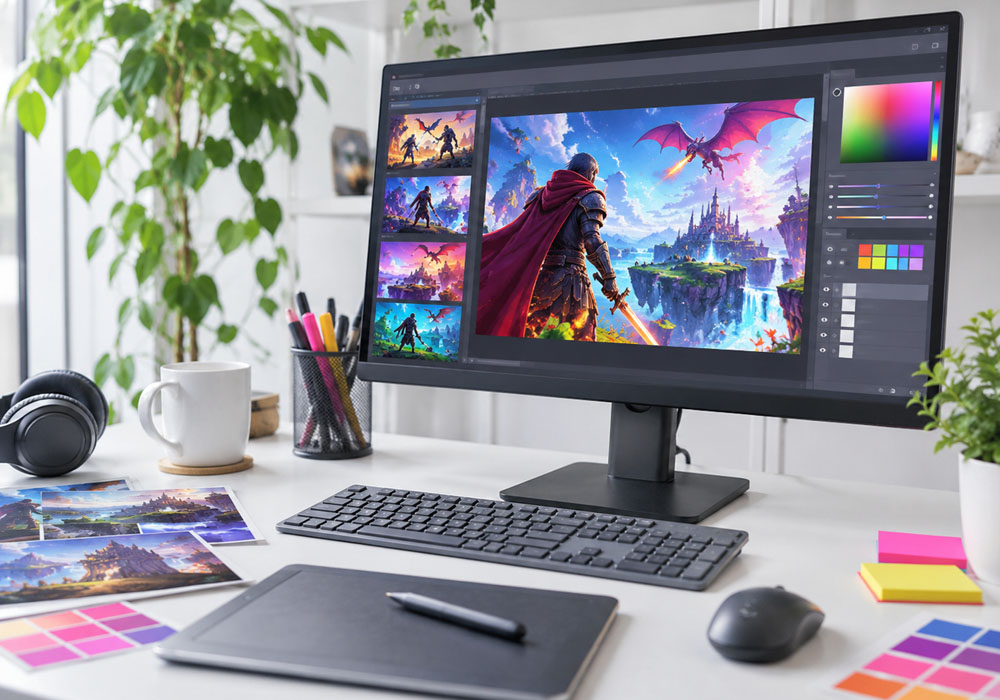
The picture sits at the top of the post, so finish it before you think about the video. A wide frame fits a banner. A square frame fits an icon or a grid. A tall frame fits a phone post. Pick the shape first. The caption can wait.
Use a scene from your own game: a boss you designed, a menu you shipped, or a screenshot you captured. Write what a reader should recognize in one glance, then make that picture.
Set the shape
Three shapes are available for this still: 16:9, 1:1, and 9:16. Use 16:9 for the banner, 1:1 for the icon, and 9:16 for the phone post. Say so in the prompt. A banner prompt should name what sits on the left and what sits on the right. An icon prompt should name what stays readable when the picture is small.
You can start from one image you already have and ask for a change you can see, such as a different background. That is one upload and one prompt. The prompt can run to 4,000 characters, so put the visual details there and leave the patch notes for the post itself.
Name the price before you send it
Send the still through the GPT Image 2.5 Flare API. Leave the quality on medium and the size on 1K unless you already know you need a larger file. Those are the defaults. A new image at medium and 1K is 0.0120 US dollars, and the official rate on that same row is 0.0240 US dollars, 50 percent lower. Editing the one image you uploaded costs a little more than a new image at the same setting.
The call comes back with a task id. Ask again with that id until the image is ready, then download it and save it, because the link expires. Keep the API key on the machine that sends the request. If you open the Playground first, it copies your prompt so you can confirm the settings. The API call is billed to your platform balance.
Change one thing, then keep the file
Read any word you asked for: a version number, a button, a boss name. If a word is wrong, change that part of the prompt and send again. The next image is a new charge at the setting you chose. When the words are right, that file is the thumbnail. Put it on the post.
Cut the video after the thumbnail is done
Open Topview for the video. Describe the idea, or add a script, a reference video, or the URL of your game page. It plans the scenes, picks the models, makes the assets, and leaves the shots editable. The thumbnail can go in as a starting image. The page URL can start a marketing video. You publish the post on your own site.
Use art from your own game. The thumbnail is a new picture, not a screenshot of the build a player installs.